
In Part 1 I showed how CRG generates connected levels from a seed. But sometimes you know exactly what you want. So CRG now has a Level Builder: you design the level yourself, room by room, right in the Scene view.
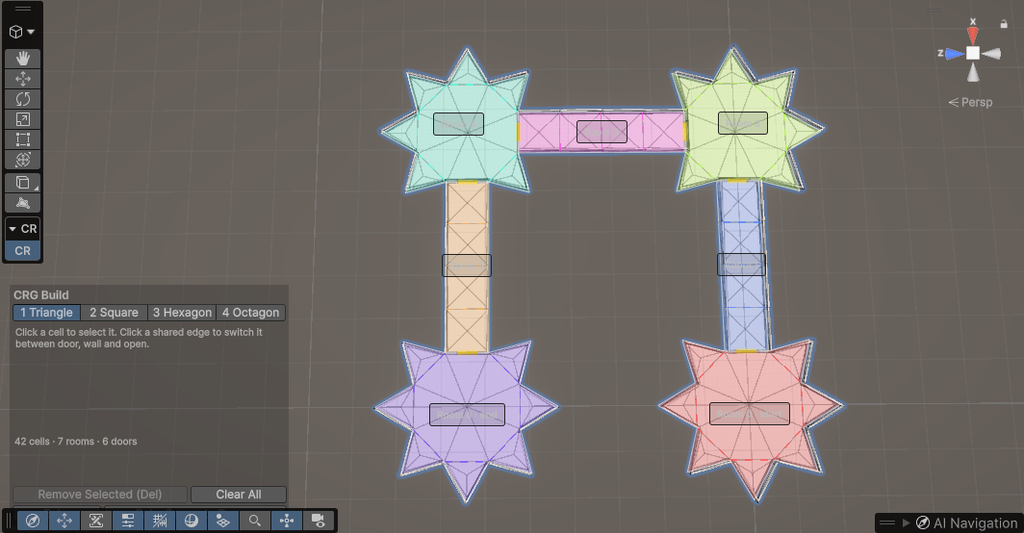
Build it cell by cell
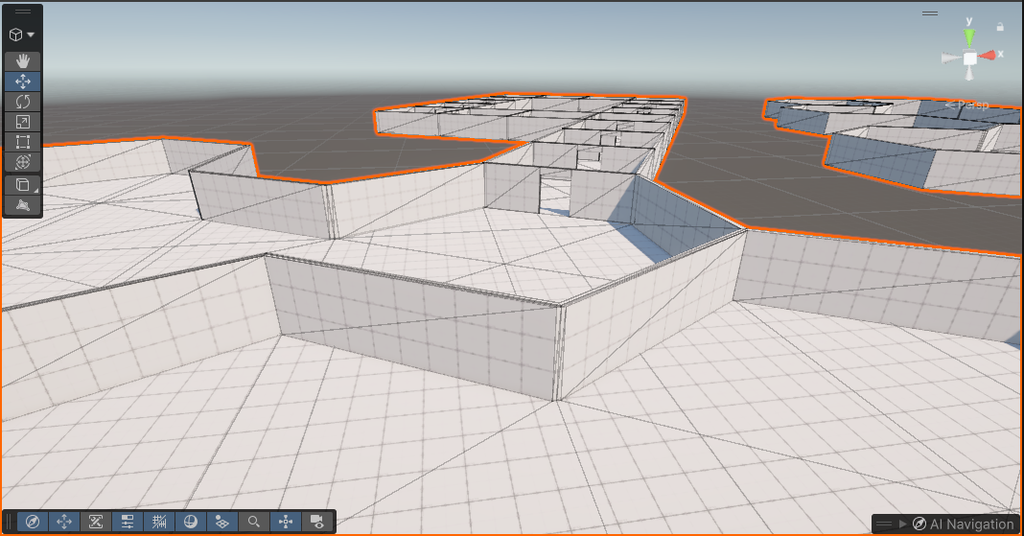
Pick a shape (triangle, square, hexagon or octagon), click to place it, then click any edge to attach the next one. Every shape has the same edge length, so they all fit together. A live preview shows the real walls, doors and ceilings as you build, and red means “won’t fit here”.
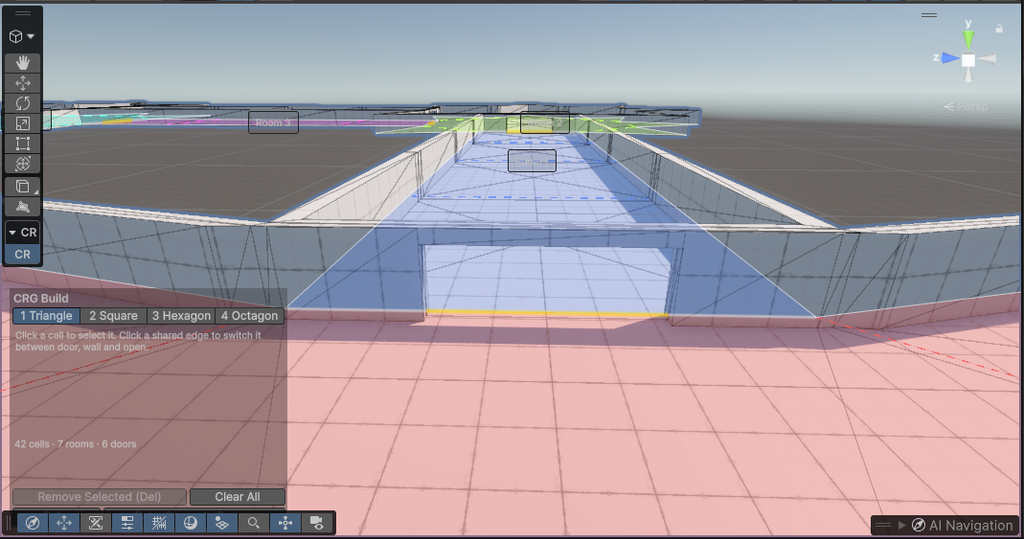
Doors, walls or open space
Click an edge shared by two cells to switch it between a door, a wall or open. Open edges merge cells into one bigger room, so a hexagon and a few triangles can become a single hall.
Give rooms a purpose
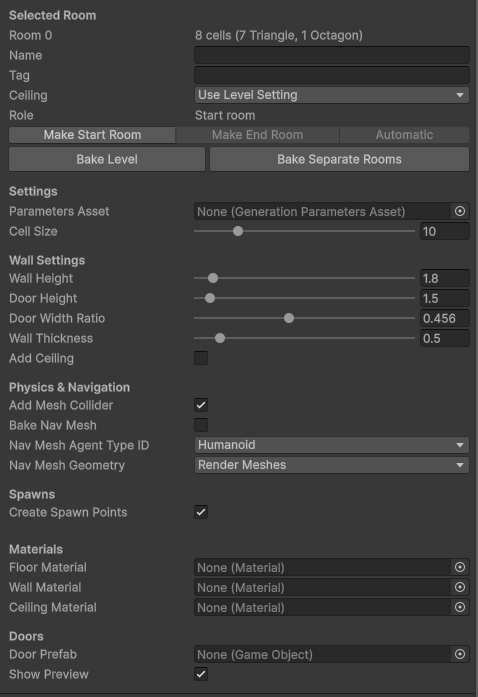
Name a room, tag it Boss or Shop, choose whether it has a ceiling, and pick your start and end rooms. Your game code can find them later by name or tag.
Start generated, finish by hand
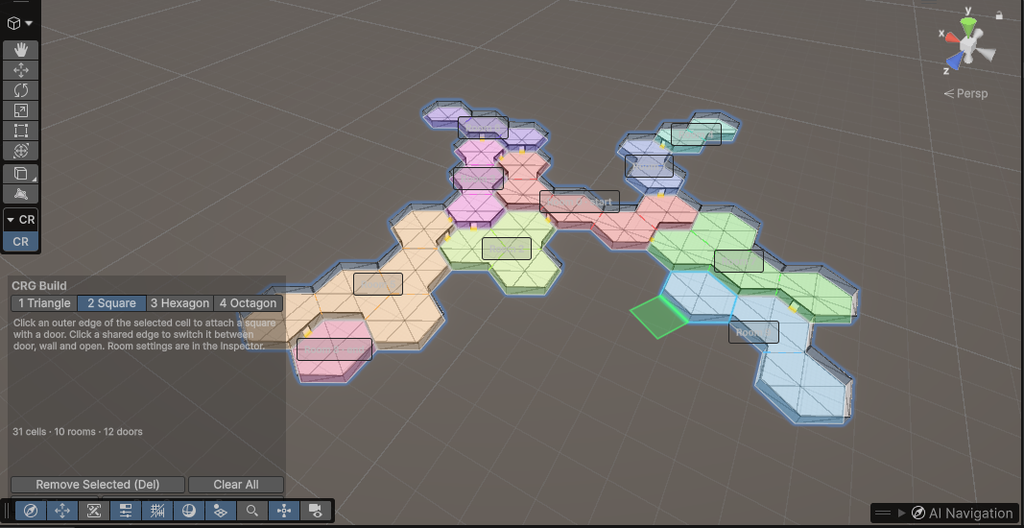
Don’t want to start from zero? Generate a level, click Edit in Level Builder, and tweak just the parts you want. Converting and baking without changes gives back exactly the same level.
Bake and play
One click on Bake turns the design into a playable level: a single mesh with colliders, a NavMesh, doors and spawn points.
Generate it, design it, or mix both. That’s CRG now. 🙂
You can find the full GitHub repository here.